


Default vs. Personalized Charging Plans. Which One Should You Use?
Choosing the right charging plan is essential for efficient electric

Best Practices for Managing Multiple Charging Locations
As charging networks grow, managing multiple locations becomes more complex.

Why Device Configuration Matters for Reliable Charging
Accurate device configuration is essential for safe and predictable charging.

The Relationship Between Locations, Devices, and Charging Plans
Locations, devices, and charging plans work together to define how

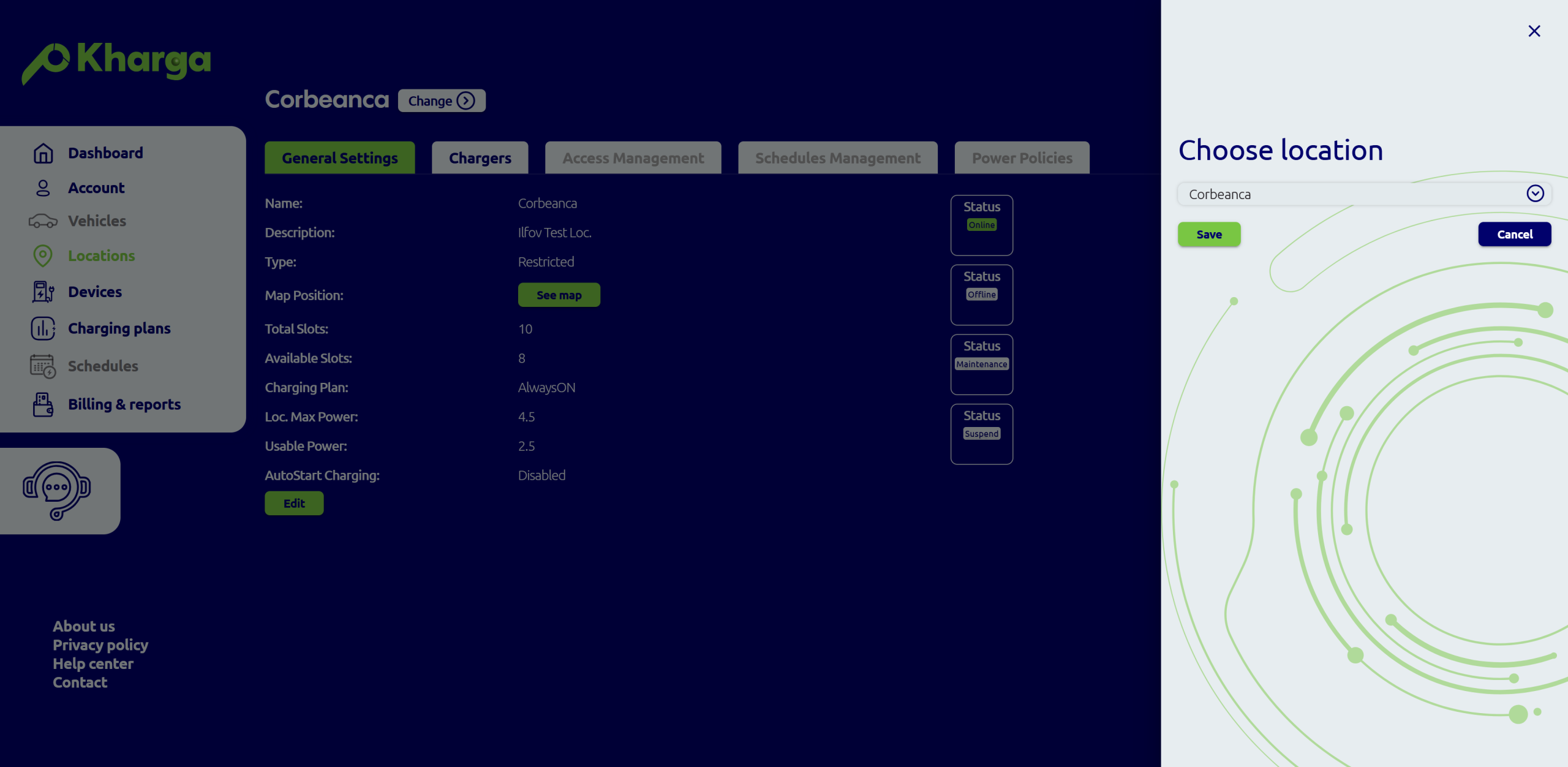
How Locations Help You Organize Your Charging Infrastructure
Locations act as the foundation of any EV charging setup.

Understanding Devices in an EV Charging Platform
In Kharga platform, a device represents the physical charging station
